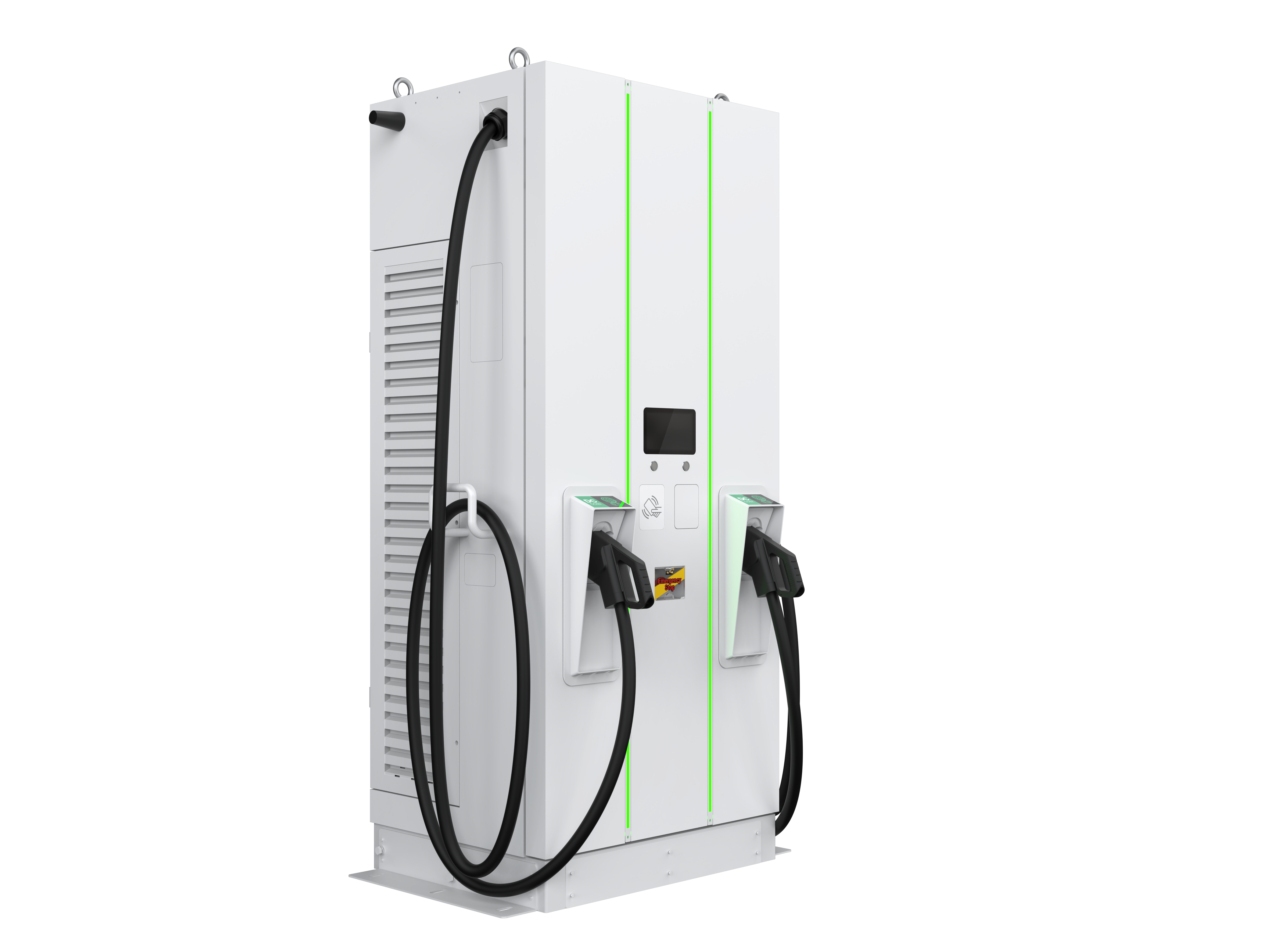
Device Type Modbus TCP (Ethernet) RS485 DSY ✅ ❌ DTY DQY DLY DMY DWY DDY DOY DZY
The communication between the SmartgridOne Controller and the Zerova charging station takes place via Modbus TCP .
Connect the charging station to the same local network (LAN) as the Controller using an Ethernet cable.
For correct ethernet wiring standards, follow the guidelines for ethernet wiring .
To allow the SmartgridOne Controller to control the station, you must enable Modbus TCP via the Zerova web portal.
Log in to the Zerova web portal of the charger.
Go to SET > Backend .
Open the Modbus TCP Server section.
Set Mode to Enable .
Leave Password Verify and TLS encryption unchecked.
Save the settings.
Go to SET > System .
Under System Information , you will find the Model Name and Serial Number of the charger.
Go to SET > Network .
Open the Ethernet section to find the MAC Address and IP Address of the charger.
Tip Tip Assign a static IP address to the charger (or a DHCP reservation for its MAC address in your router). This makes sure the Controller can always find it.
Go to the SmartgridOne Controller web interface.
Navigate to Devices > Add Device .
Select Zerova > Modbus TCP .
Enter the IP Address of the charger.
Enter Port 502 and Modbus address 1 .
Click *
Scan *.
Last updated October 7, 2026